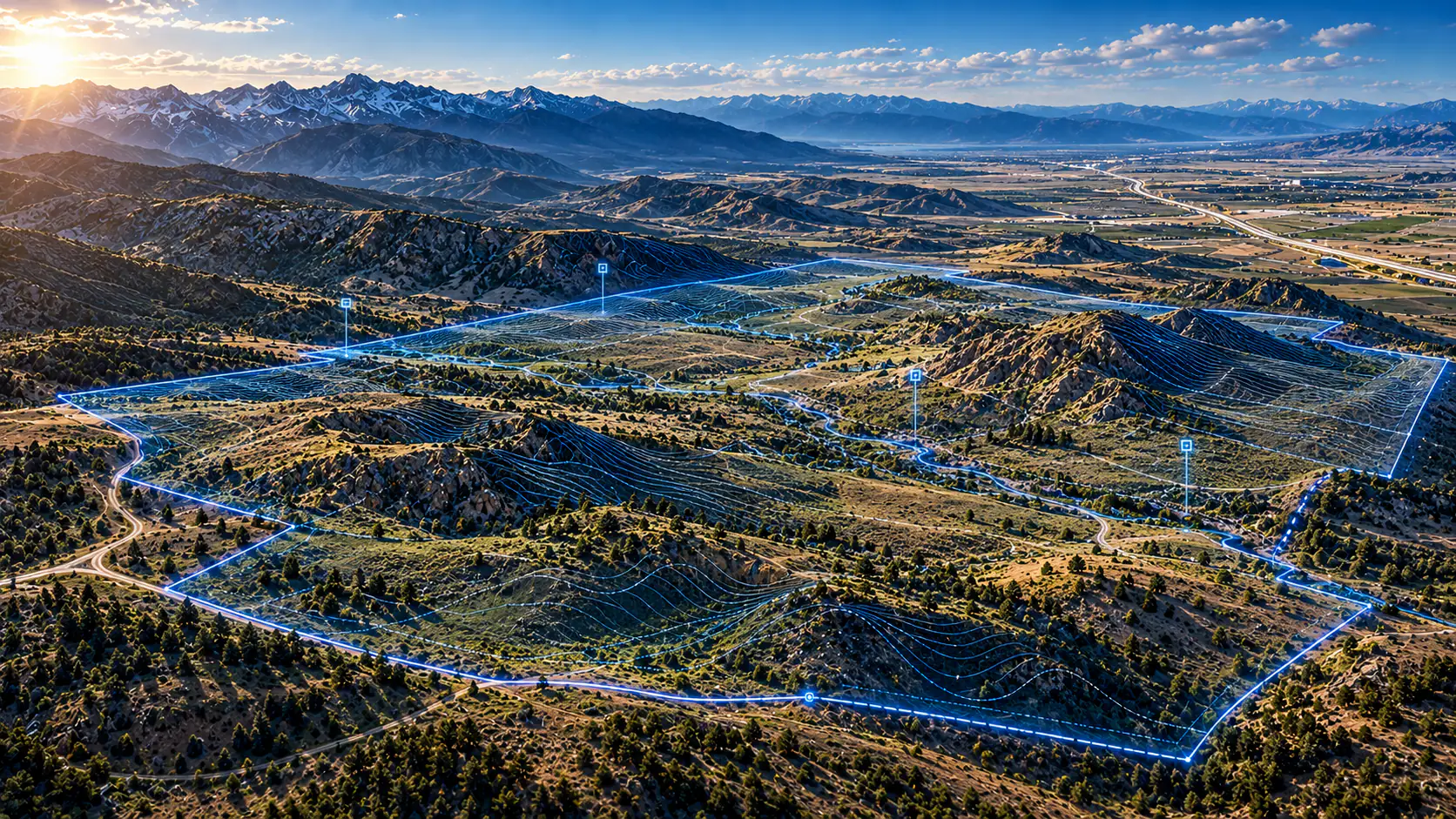
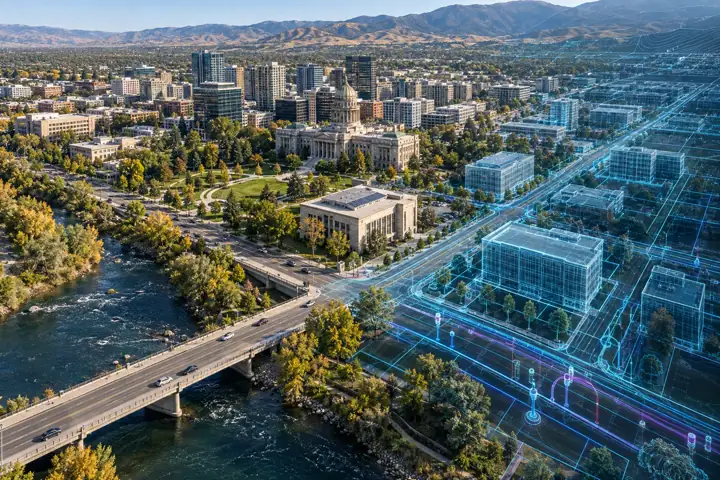

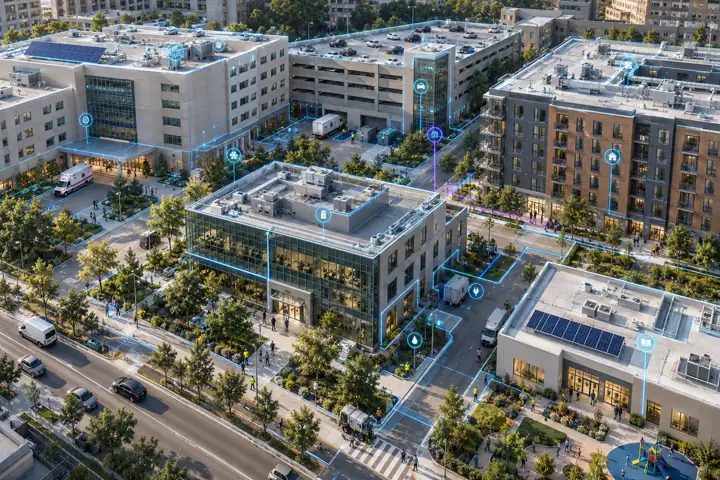
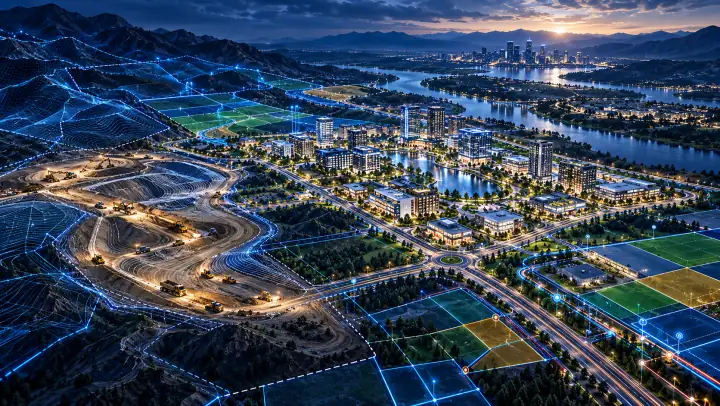
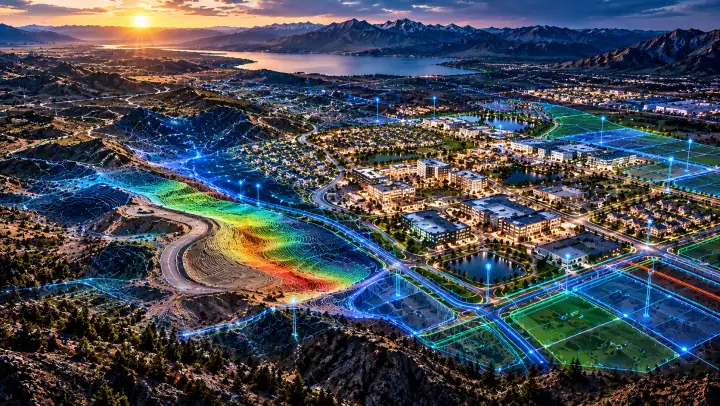
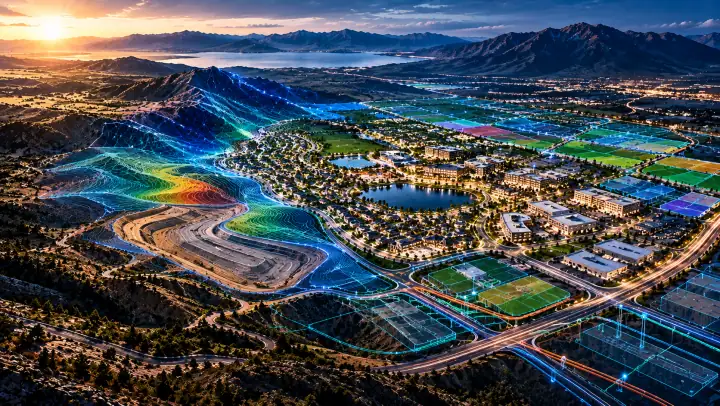
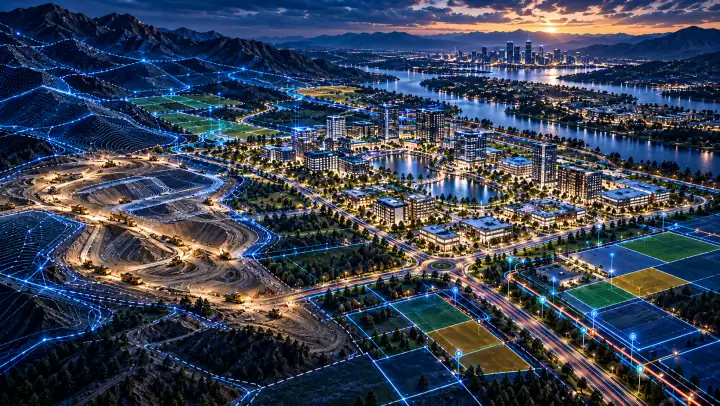
See what is. Know what’s possible.

Spatial intelligence for the decisions that shape the built world.

Important decisions depend on disconnected information.

The site, the records and the plans rarely arrive in one view.

Start with reality. Connect the information.

The geographic context becomes the organizing foundation.

Three intelligence engines. One connected approach.

Physical reality, connected information, evaluated possibilities, informed decisions.

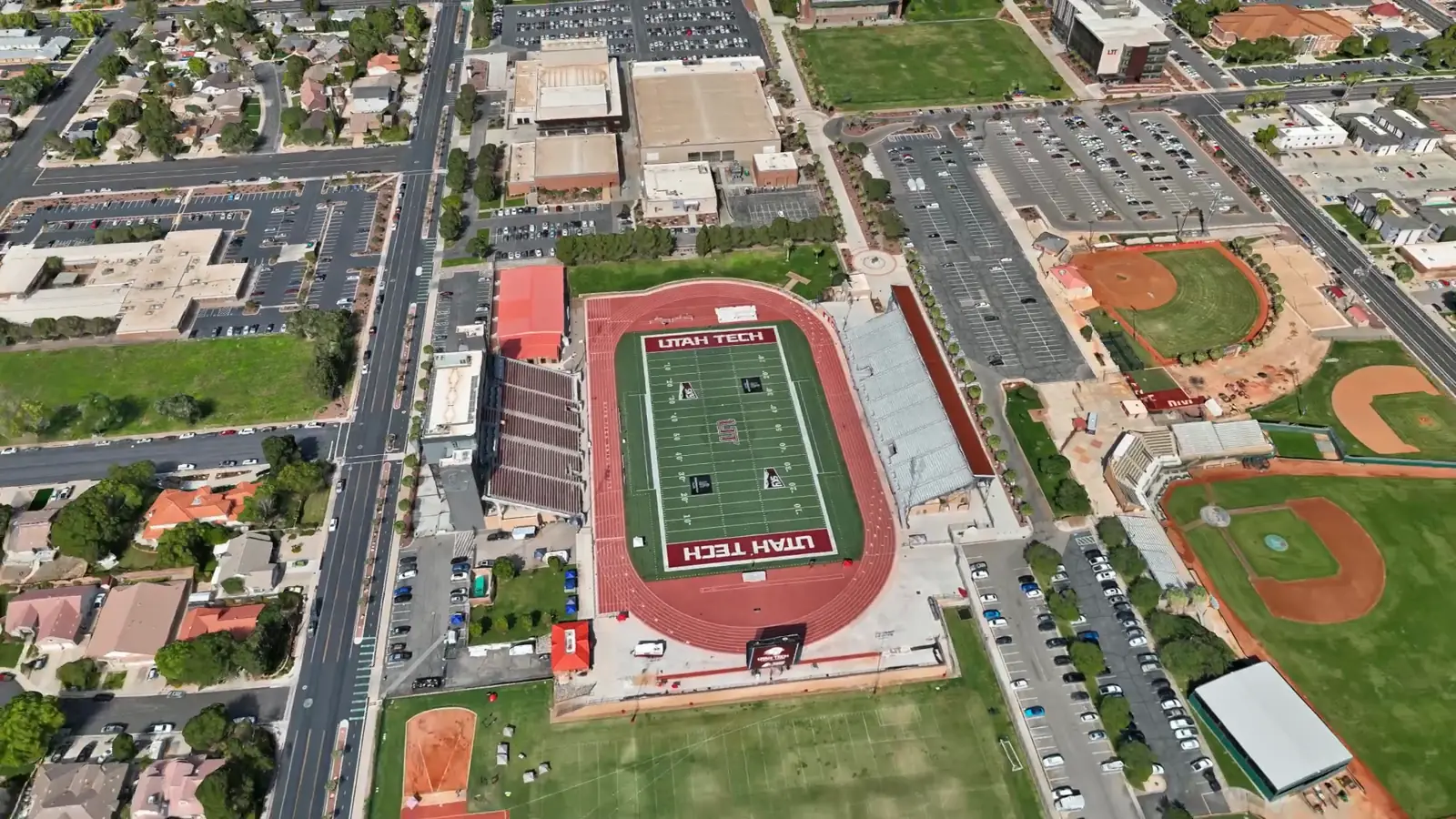
Drone capture of St. George City Center, Utah
Physical realityDrone capture · St. George, Utah
Aerial imagery
LiDAR
Terrain
GIS layers
Parcels & zoning
CAD files
Engineering files
Environmental
Infrastructure
Market assumptions
NEXUSConnect
FORGEEvaluate
VISTAVisualize
WorldViewExplore
Informed decisionYour next commitment

From captureto connected intelligence

Conceptual visualizations

FutureState WorldView

See the site, explore the information, understand the possible futures.

A real project, running in WorldView.

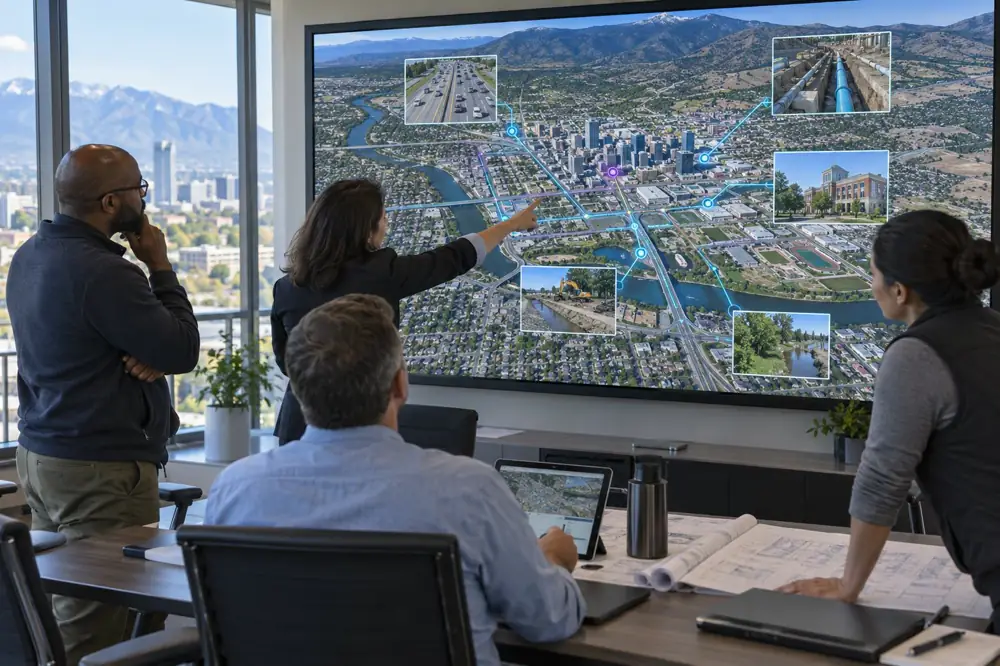
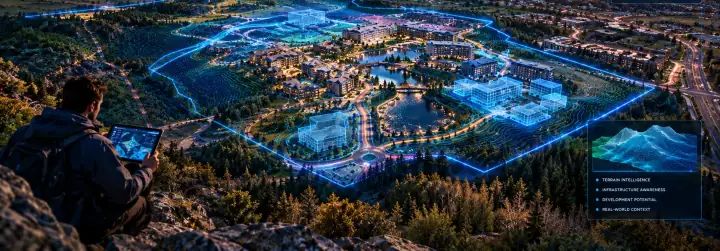
WorldView is the client environment where you navigate the site, examine its information and review existing and proposed conditions in one place. Below is the St. George City Center digital twin, built from drone capture.

WorldView · St. George City Center, Utah Live digital twinLive
Drone capture with city GIS, analysis sheets and live data Open in a new tab

A project environment, not a static presentation

Orbit and move through 2D and 3D views of the site, with layers and saved views defined for each project.

Connected to the records behind the scene

Approved parcel, infrastructure, environmental and project layers link to their source records where those integrations are implemented.

From today’s conditions to evaluated options

Existing and proposed conditions appear in the same geographic context, and every concept is labeled as a concept.

Part of every intelligence engagement

Each of the eight engagements includes a project WorldView, alongside the reports, data and media that come from the same evidence.

Features depend on each project, its approved data and the device. Desktop and supported mobile browsers come first, and VR is offered only where it has been tested and agreed.

Three engines. One connected spatial foundation.

Intelligence built from physical context, connected information and evaluated possibilities.

NEXUS connects the information, FORGE evaluates the site and VISTA makes it visible. WorldView brings the approved results to the client. The engines work together, and they are not a rigid sequence.

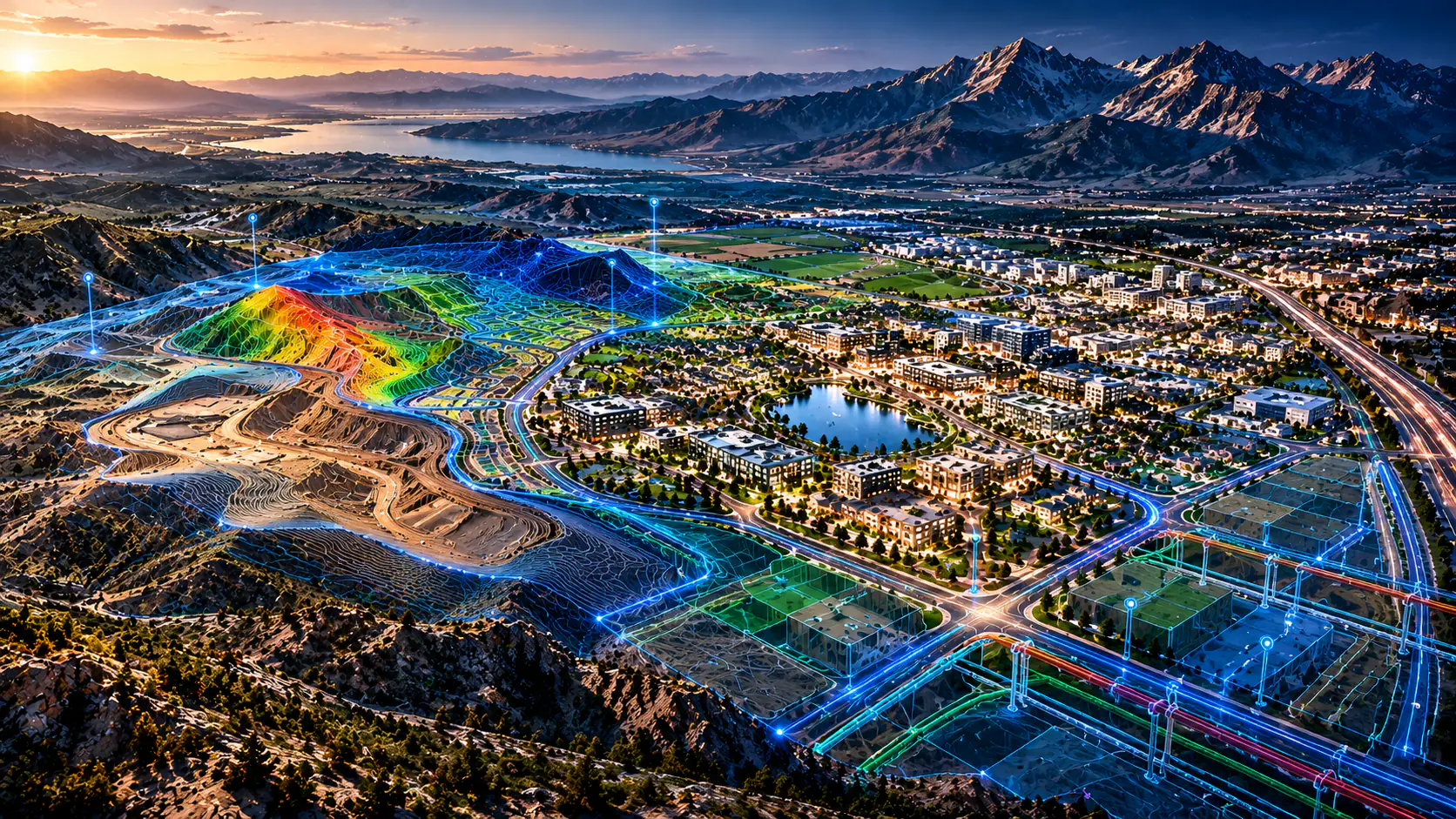
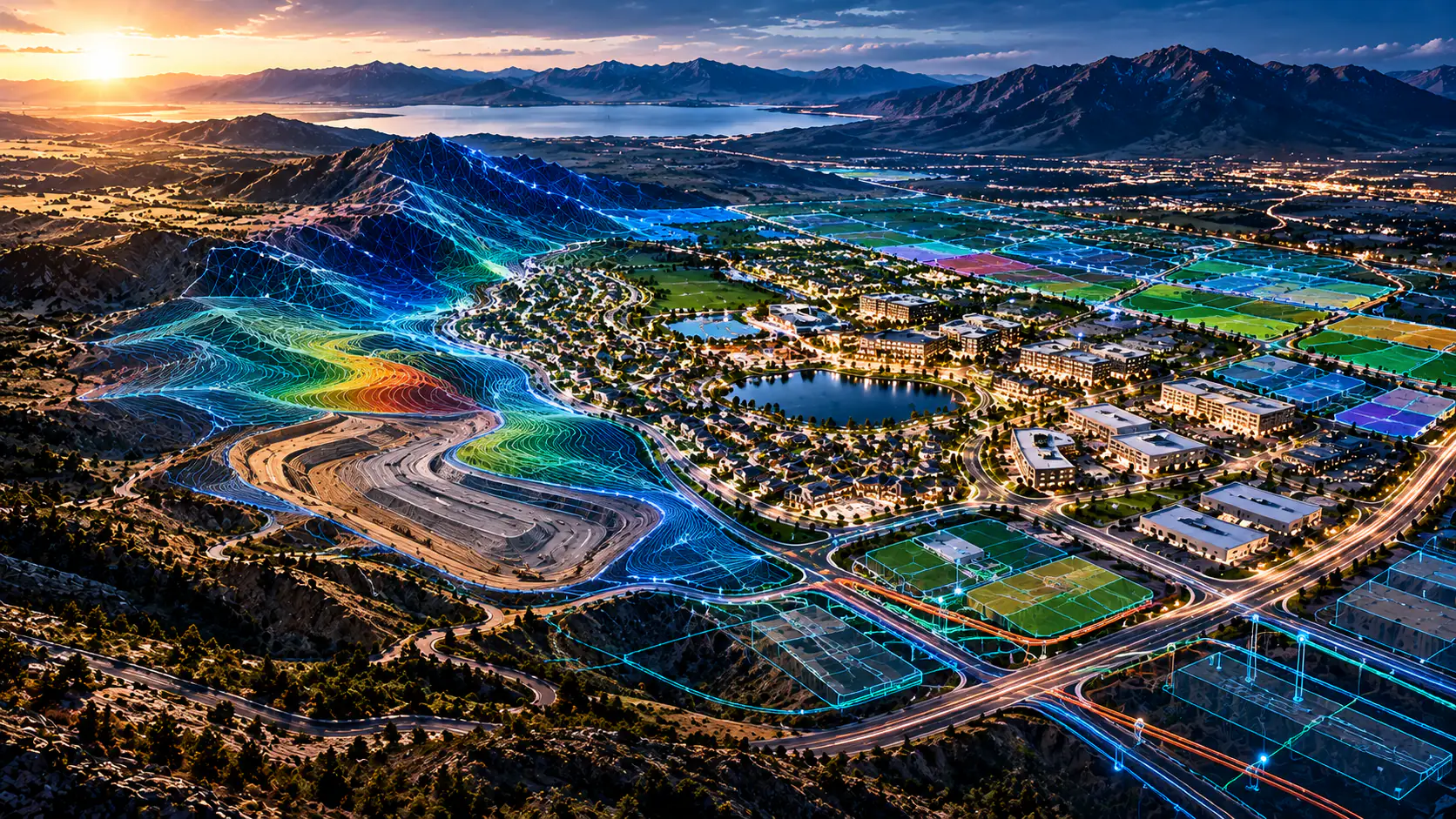
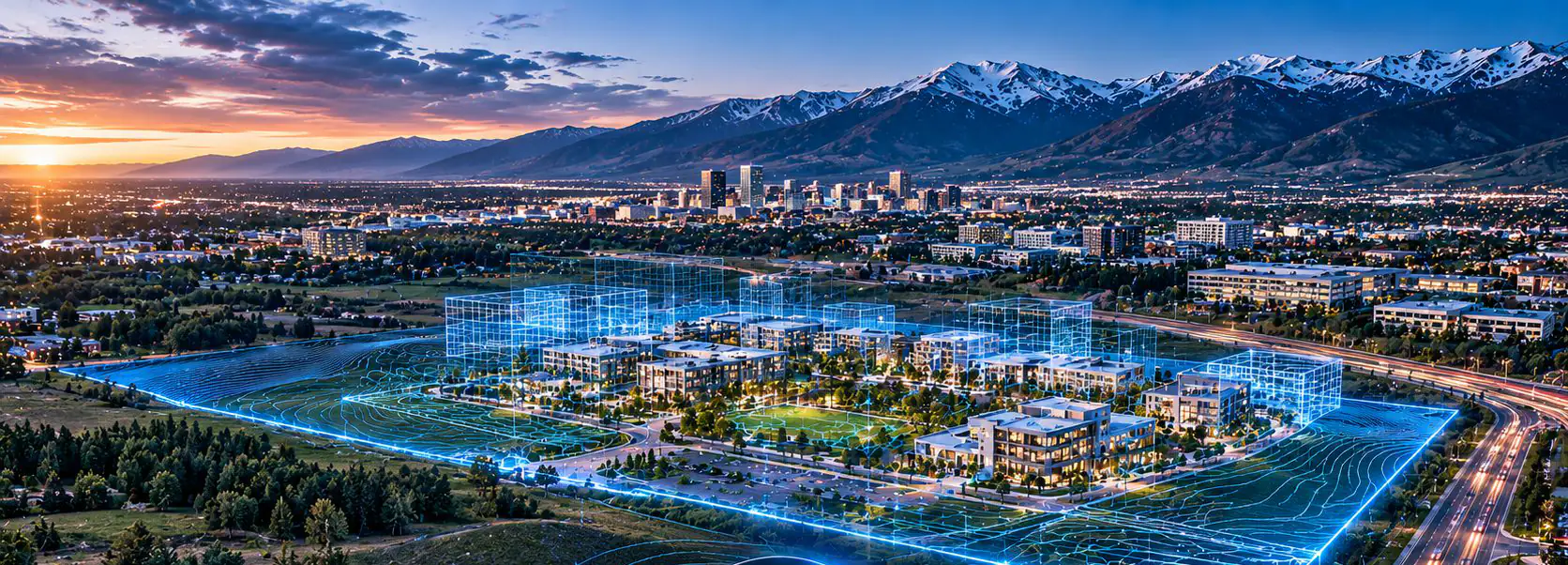
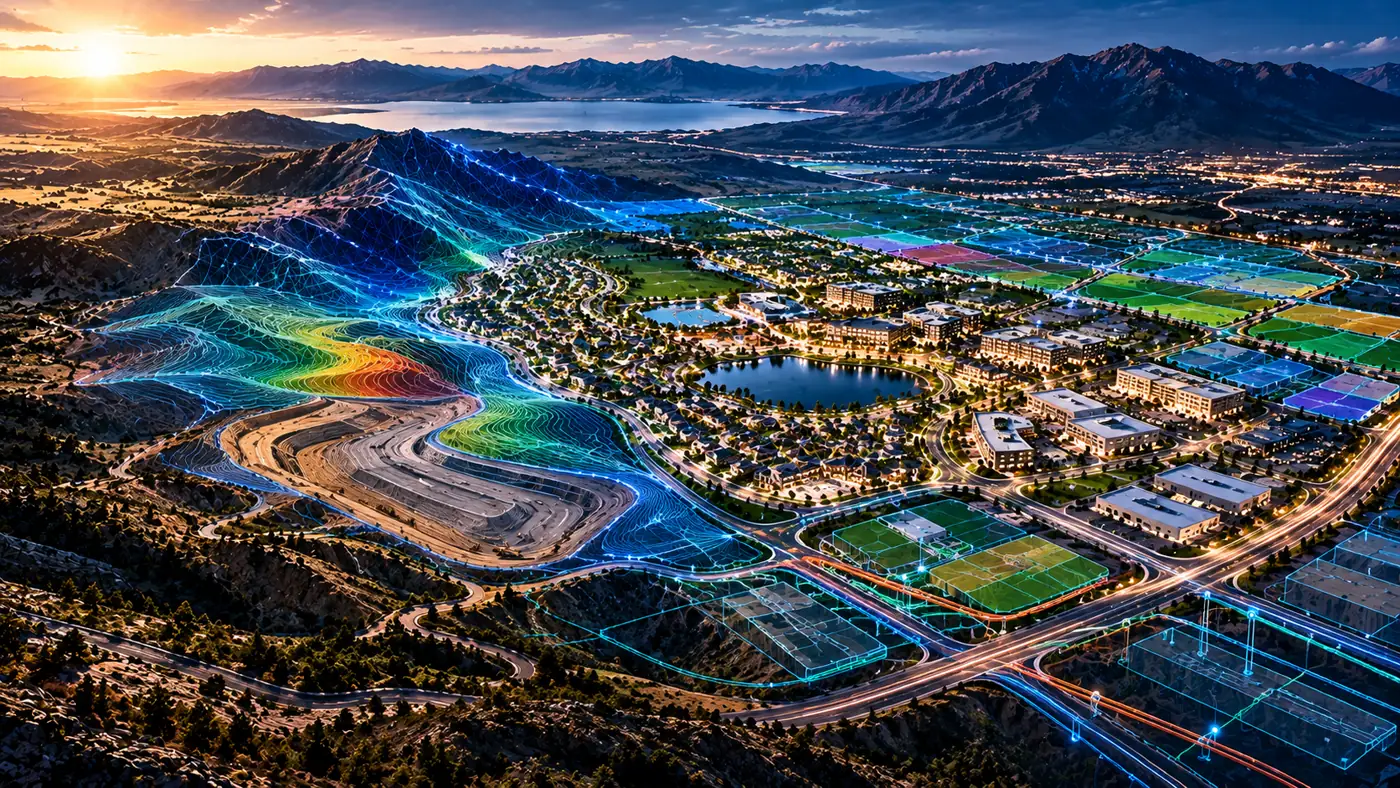
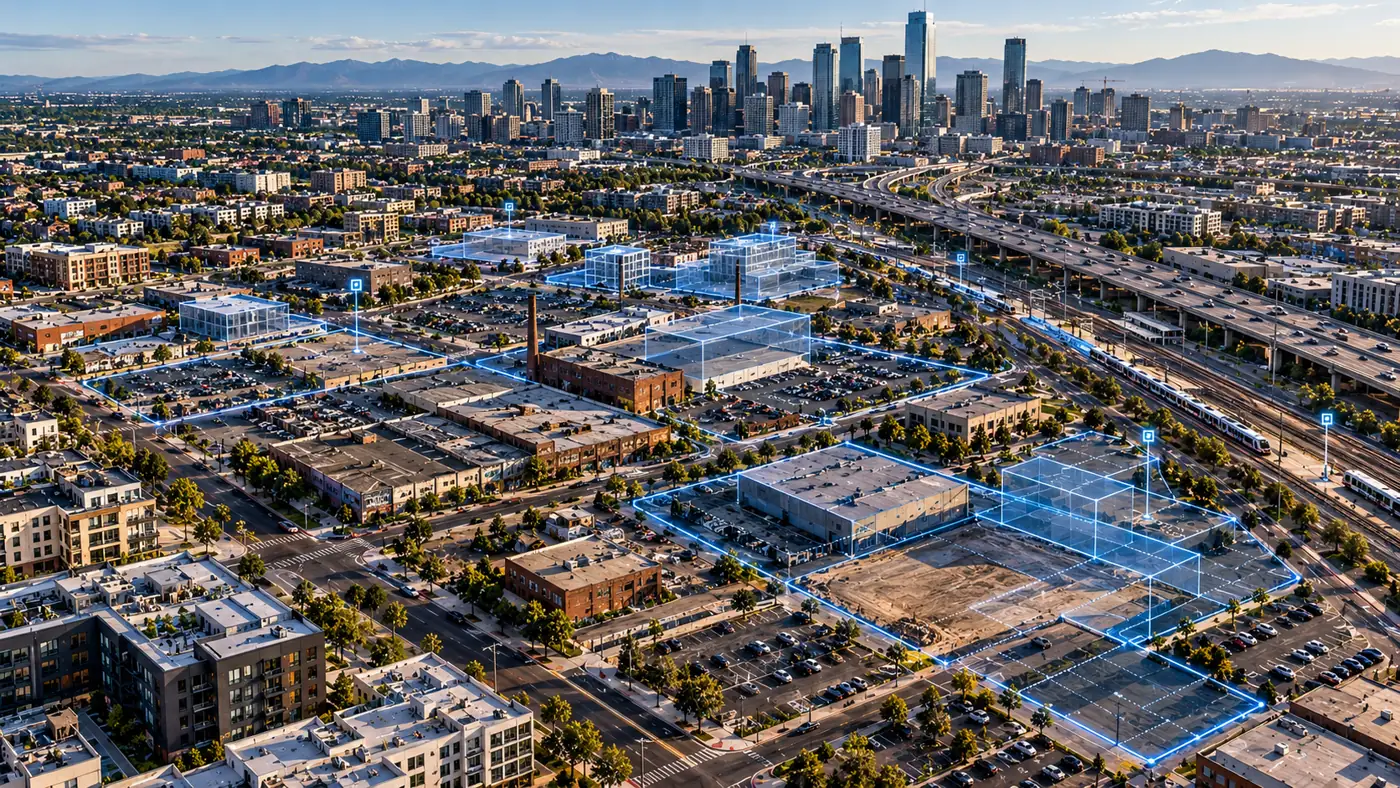
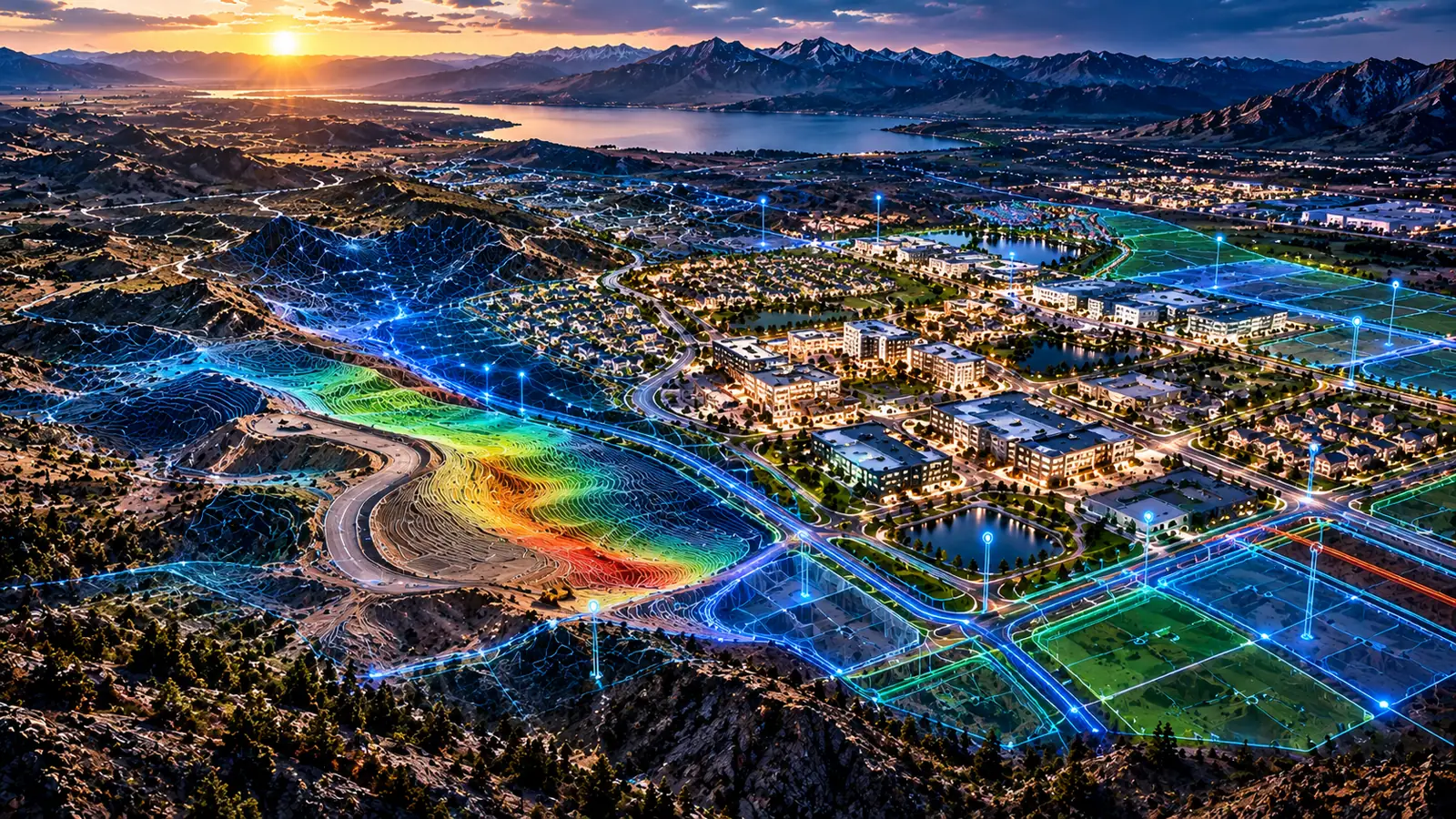
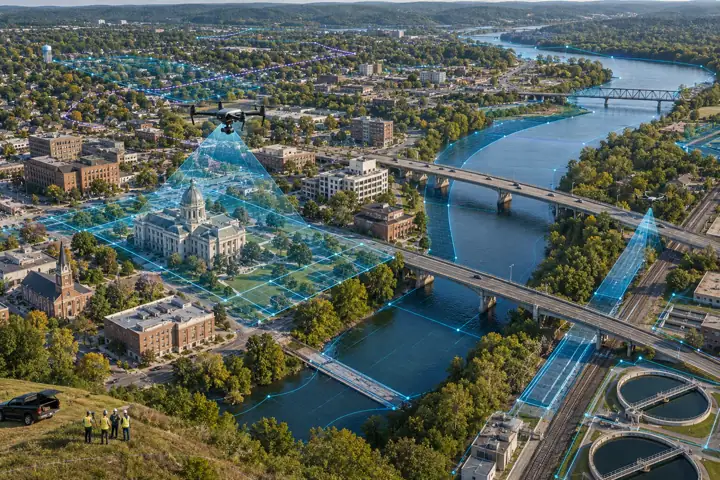
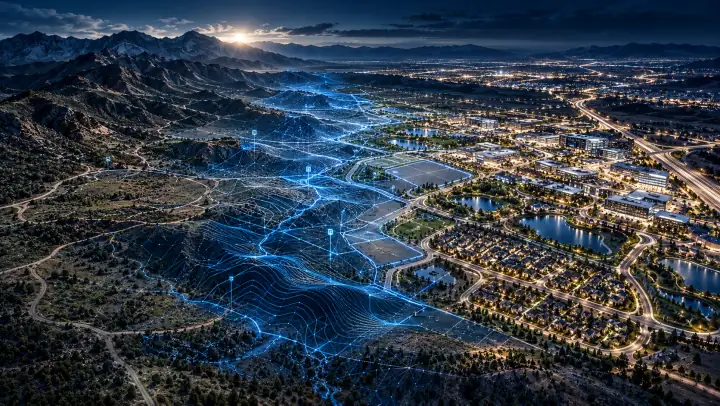
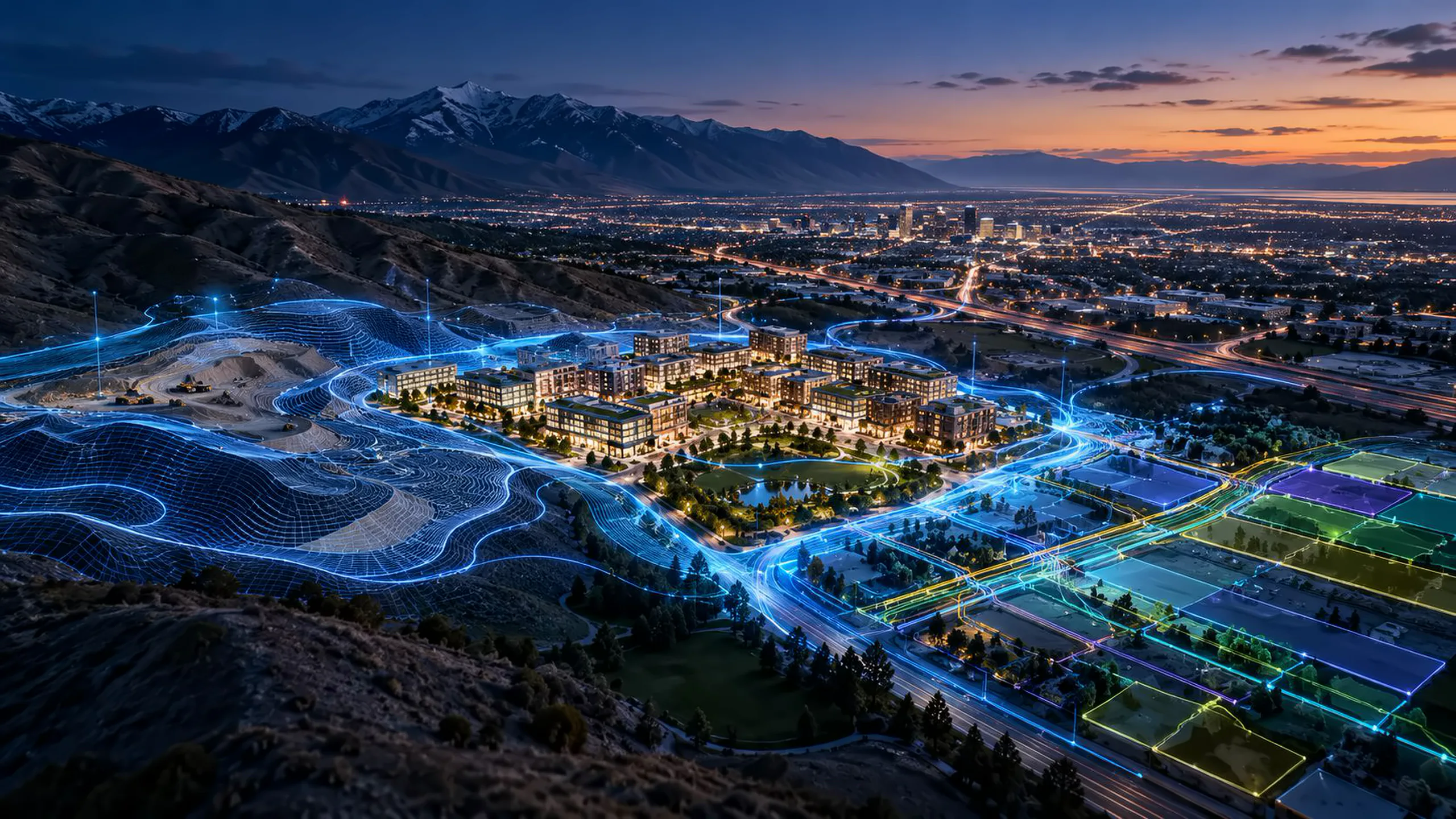
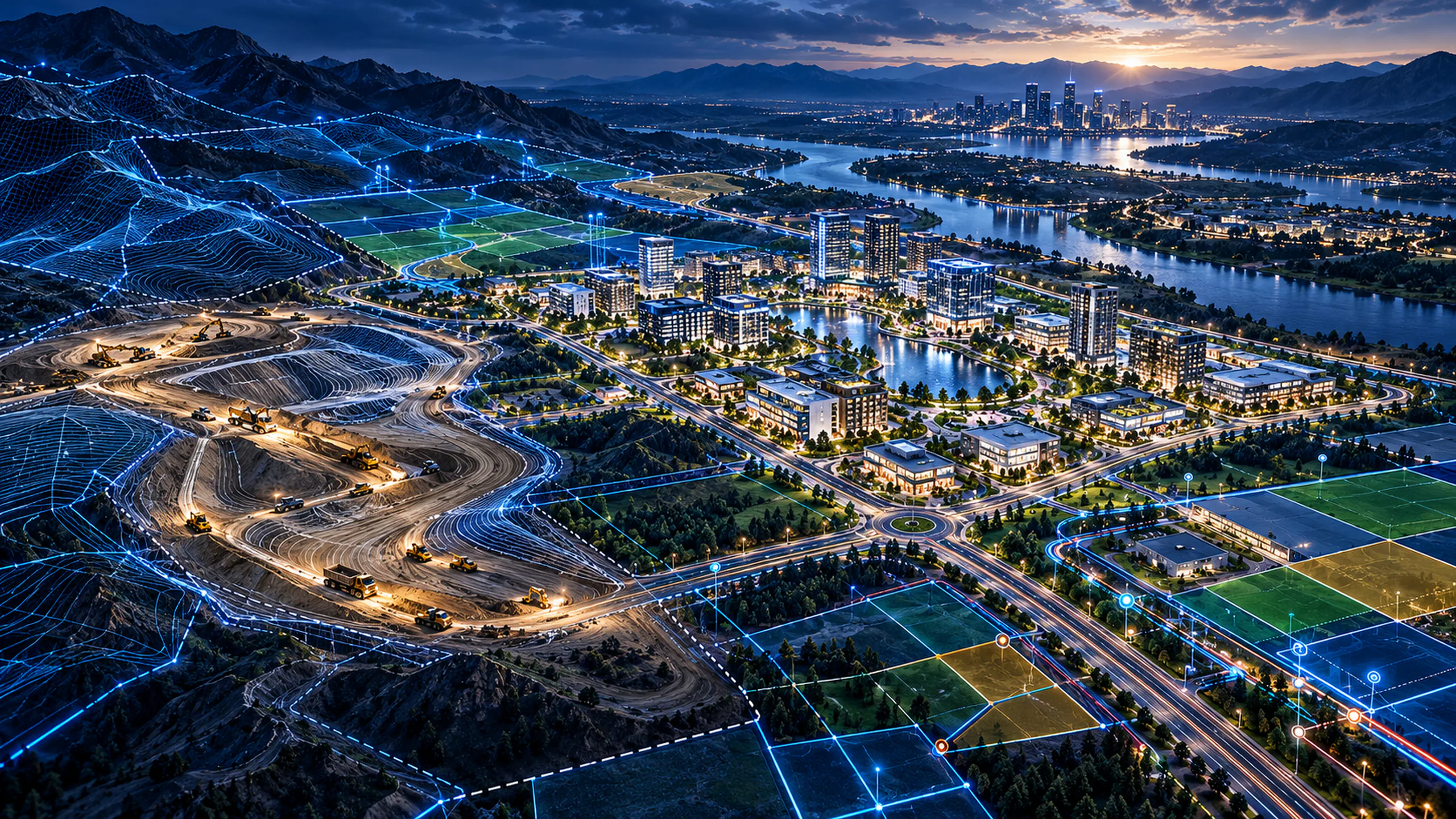
Conceptual visualization of a valley city with parcels, roads and data layers connected in blue

Engine 1 of 3

NEXUS

Connected Spatial Intelligence

Connect the information behind the place.

GIS layers, parcels, zoning, infrastructure, documents, economics and scenario versions are linked in one project context, with sources and permissions kept visible.

  • Spatial information relationships
  • Parcel, zoning and property references
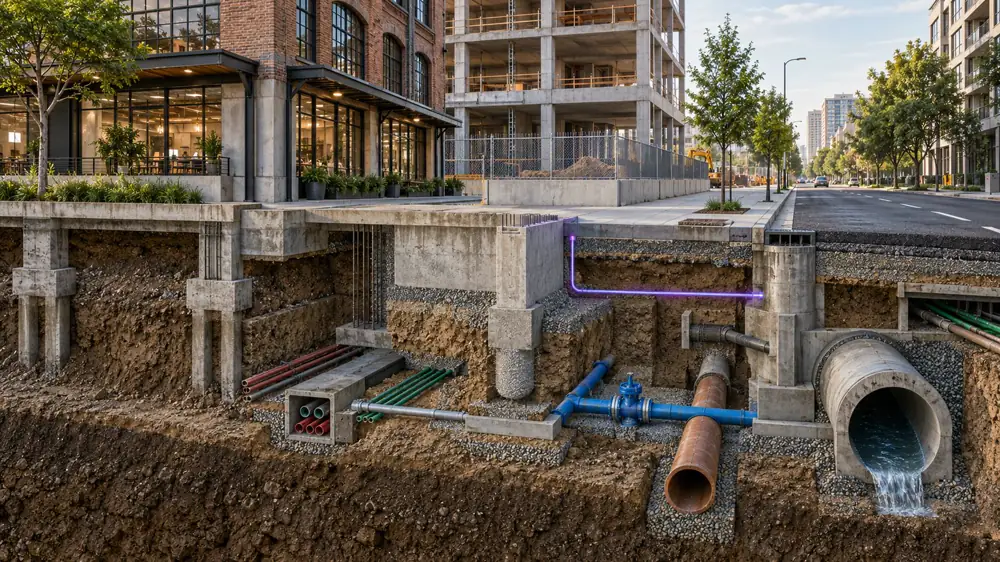
  • Infrastructure and environmental sources
  • Project document and metadata connections
  • Scenario and evidence versioning
  • Source confidence and permission context
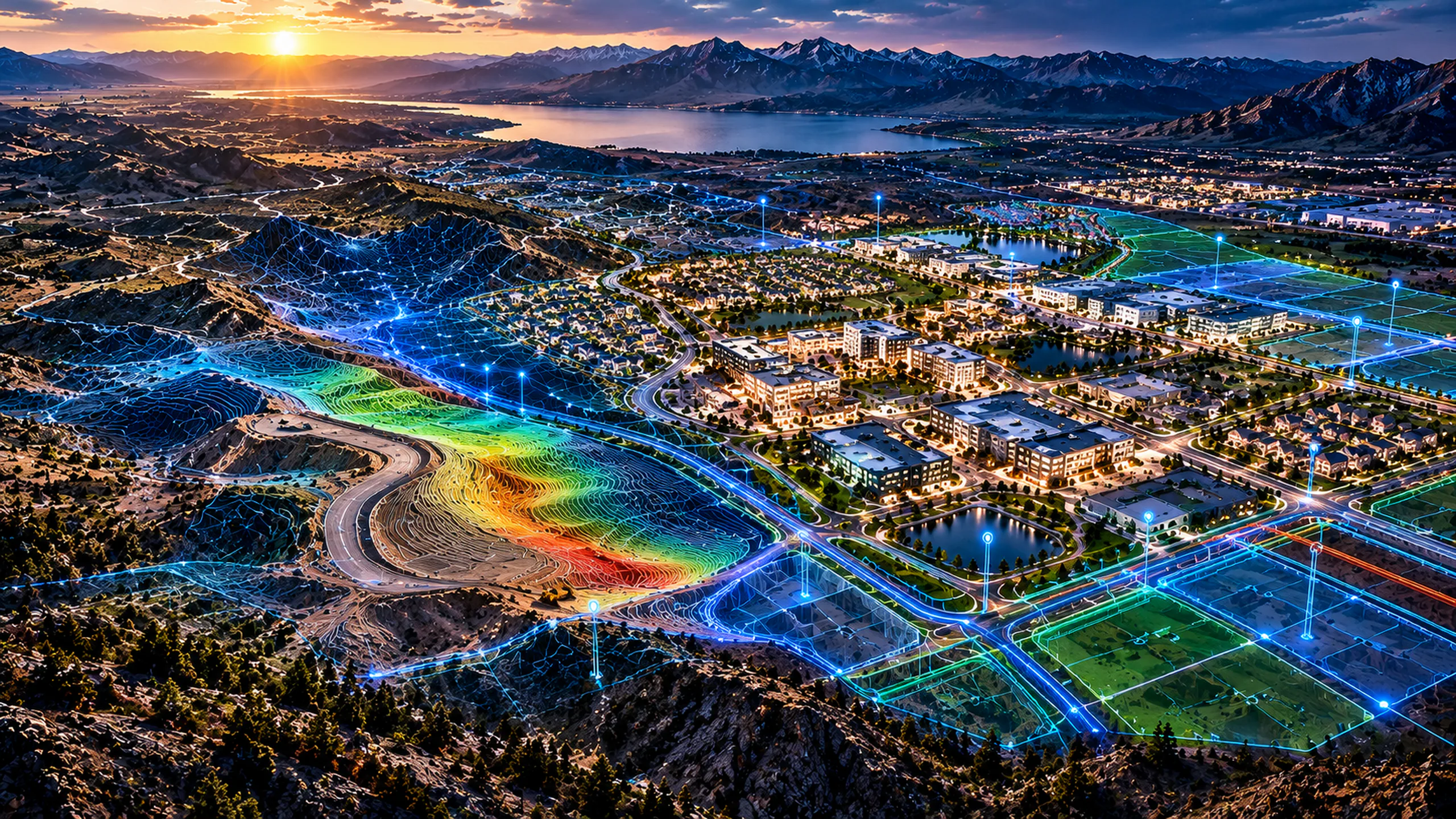
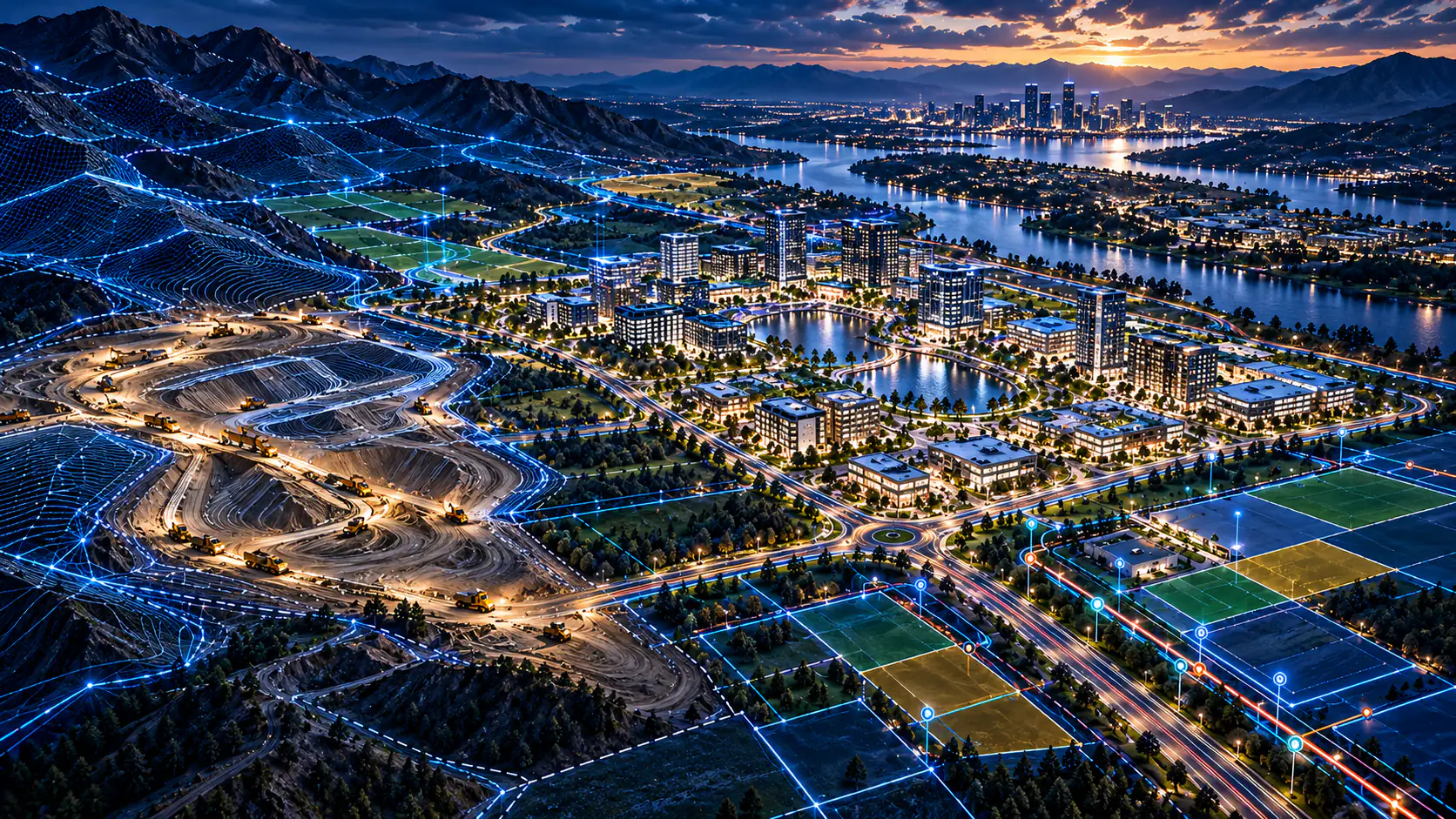
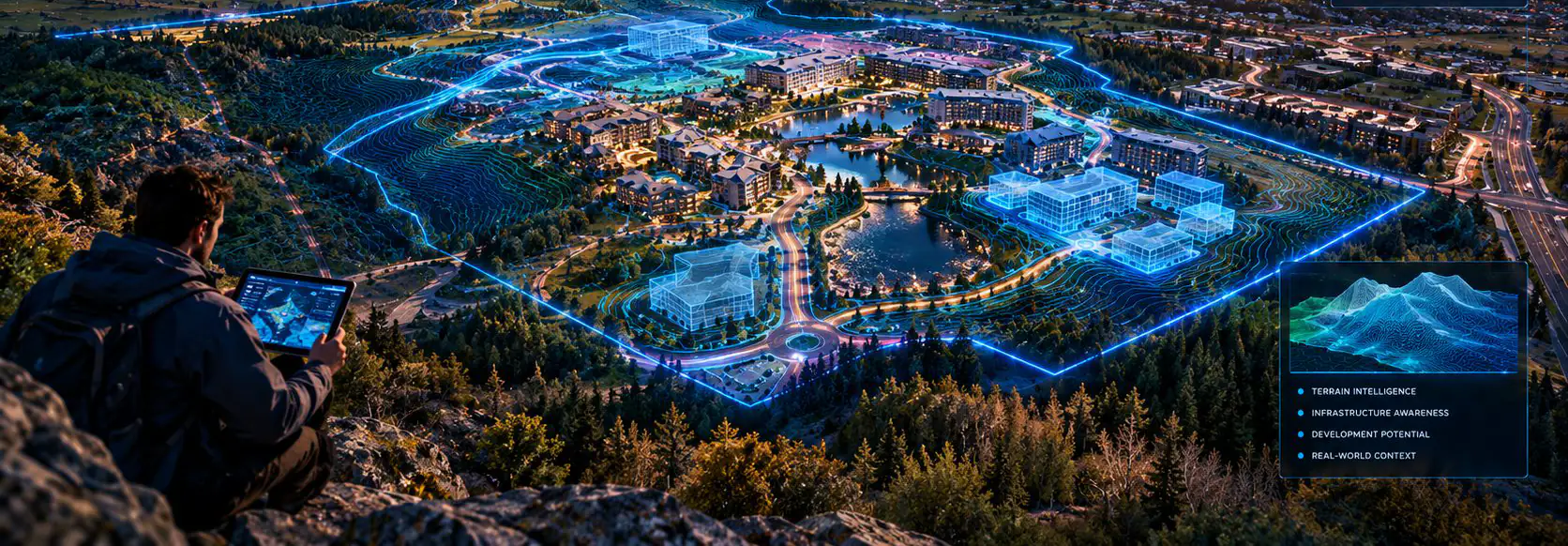
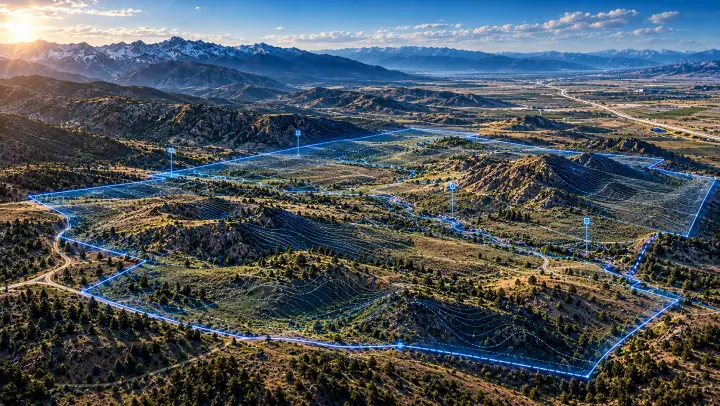
Conceptual visualization of a slope analysis heat map over a hillside next to a city

Engine 2 of 3

FORGE

Engineering Intelligence

Evaluate what the site can support.

Planning-level analysis of terrain, slope, developable area, grading, earthwork, access and infrastructure dependencies, based on stated data and assumptions. It informs decisions and does not replace certified design.

  • Terrain and slope analysis
  • Preliminary usable-area and site-capacity evaluation
  • Conceptual grading and earthwork quantities
  • Access and corridor alternatives
  • Infrastructure conflict and dependency screening
  • Versioned development-scenario comparison
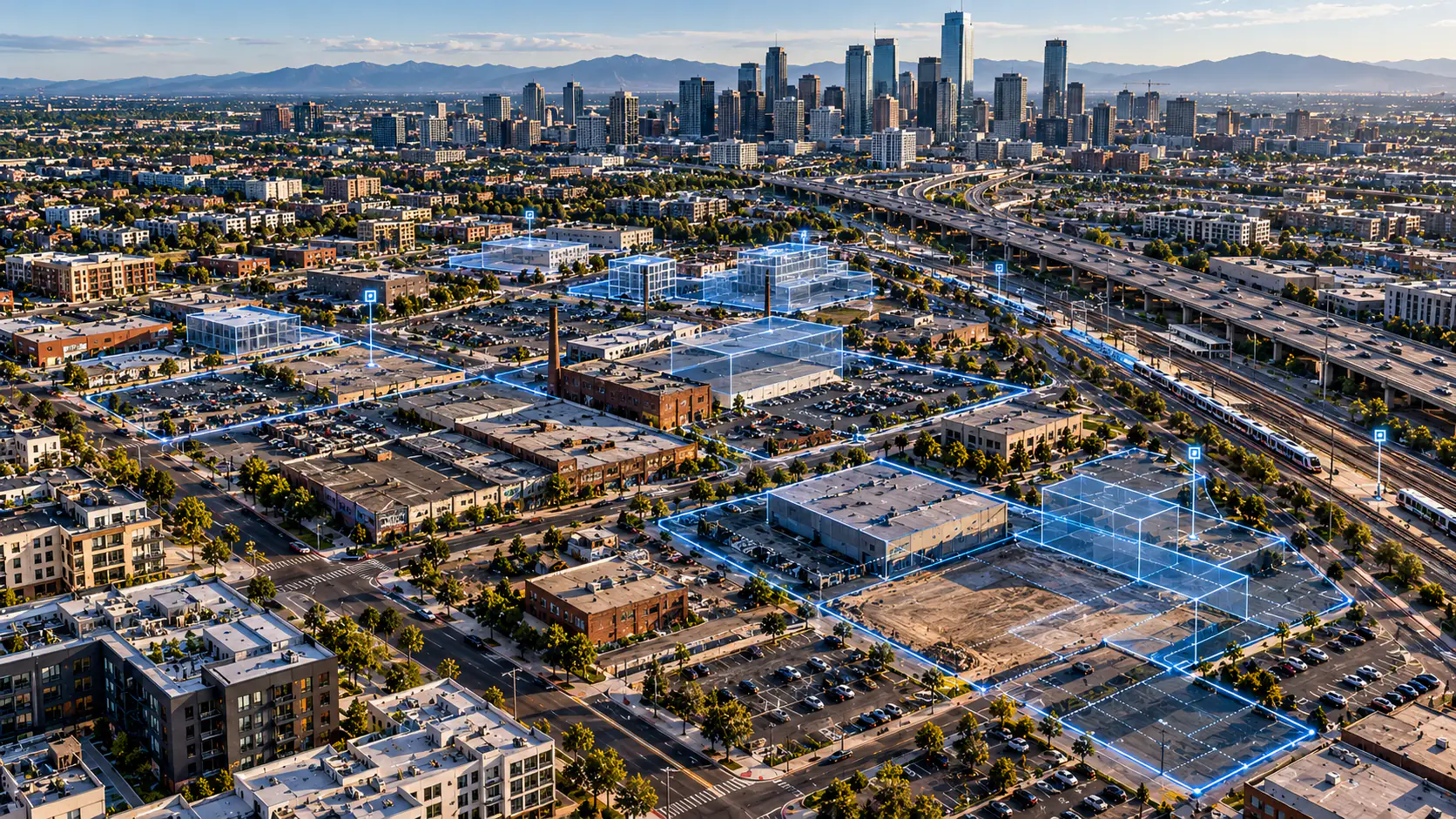
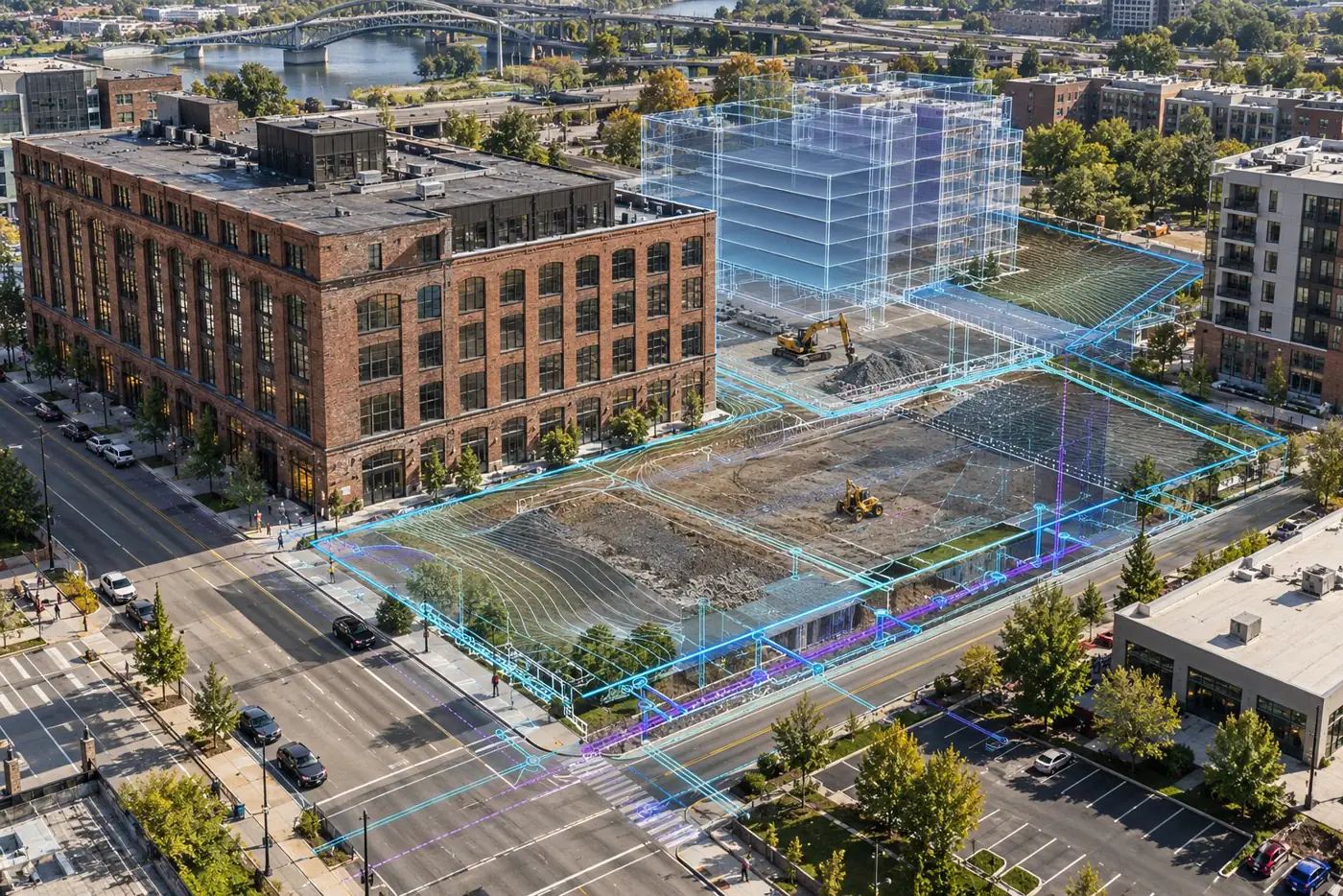
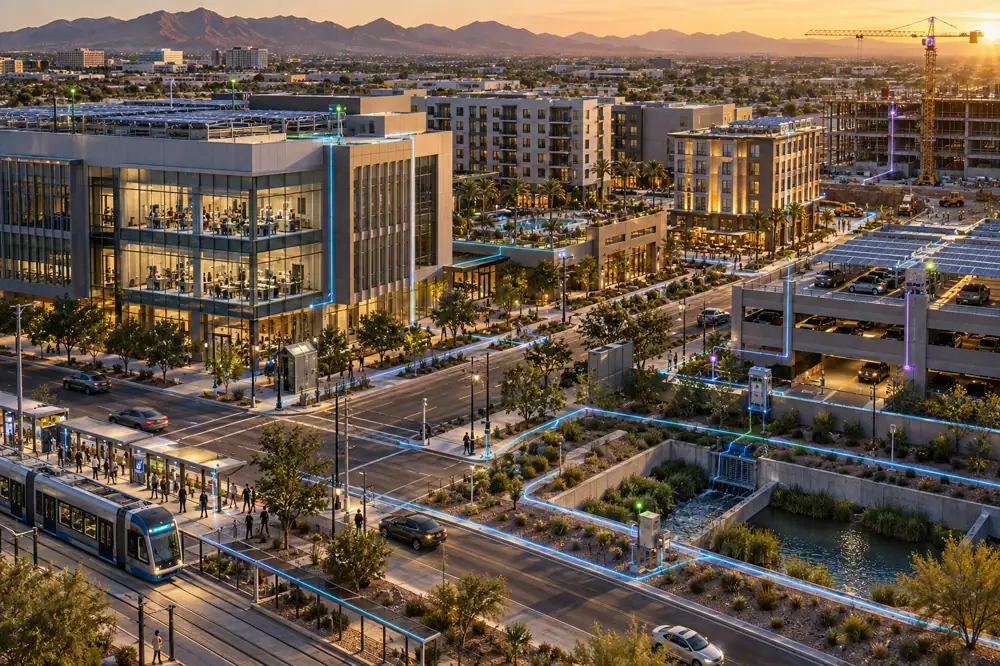
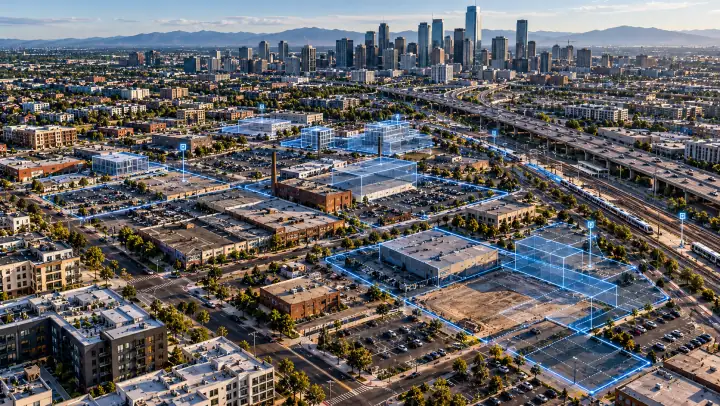
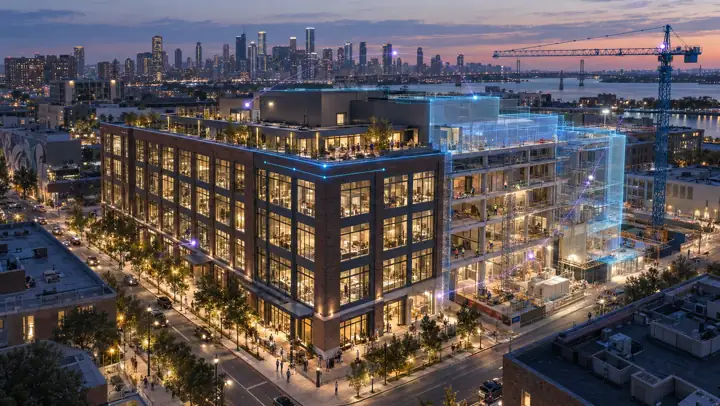
Conceptual visualization of a lit street with proposed buildings drawn in blue glass

Engine 3 of 3

VISTA

Immersive Visualization Intelligence

Make the existing and the possible visible.

3D scenes, existing and proposed comparisons, guided views and films grounded in the real site, with every proposed condition clearly labeled.

  • 3D site and contextual representation
  • Existing/proposed visual comparisons
  • Photorealistic conceptual media
  • Guided viewpoints and camera paths
  • Cinematic presentations
  • Supported immersive project viewing

Eight intelligence products. Different decisions. One connected foundation.

Select the intelligence engagement that matches the next important question.

Each engagement answers a different decision, from choosing a site to showing a concept to stakeholders. Every one pairs a project WorldView with the reports, tables and files that decision needs, and final scope is defined per engagement.

Intelligence products

01 / 08

01

FutureState Compass

Site Selection & Location Intelligence

Which property should we pursue, and why?

Choose which locations deserve deeper attention.

Deliverables
Decision report; criteria and scoring workbook; GIS candidate context; annotated exhibits; guided explanation
Limitation
Ranking does not establish legal title, utility capacity or final buildability.
Discuss this solution
02

FutureState Reveal

Land Acquisition & Risk Intelligence

What are we acquiring, and what could derail the transaction?

Understand the risks behind the property.

Deliverables
Risk and acquisition reports; action register; spatial evidence; annotated visuals
Limitation
Not an ALTA/NSPS survey, title opinion, ESA or certified geotechnical finding.
Discuss this solution
03

FutureState Potential / Capacity

Development Feasibility & Site Capacity

How much can be built, and which conceptual layout is strongest?

Test development capacity before full design.

Deliverables
Feasibility reports; quantity workbooks; conceptual spatial exchanges; scenario visuals
Limitation
All grading, drainage, yield and quantities remain preliminary.
Discuss this solution
04

FutureState Grid

Infrastructure & Utility Readiness

What is mapped, what is confirmed, and what must be resolved?

See the infrastructure dependencies before committing.

Deliverables
Readiness report; provider action log; preliminary quantities; GIS/CAD context; exhibits
Limitation
No implied megawatt, water, sewer, fiber or connection capacity.
Discuss this solution
05

FutureState Yield / Capital

Investment & Market Feasibility

Does the market support the project, and which outcomes are plausible?

Connect the development concept to its financial assumptions.

Deliverables
Economics and investment briefs; financial model; source tables; approved exhibits
Limitation
Not an appraisal, guaranteed return or certified lender study.
Discuss this solution
06

FutureState Genesis / Vision

Conceptual Master Planning & Optimization

Which future configuration should advance?

Explore distinct futures before selecting a plan.

Deliverables
Audience-specific narratives; quantity schedules; conceptual GIS/CAD; high-resolution media
Limitation
Not certified architecture/engineering; no implied municipal approval.
Discuss this solution
07

FutureState Bridge / Engage

Entitlement & Community Engagement

How do stakeholders understand the plan, evidence and tradeoffs?

Communicate a proposal with its context and limitations.

Deliverables
Agency/community materials; issues register; public GIS exhibits; captioned media
Limitation
No guaranteed permit approval or certified impact studies.
Discuss this solution
08

FutureState Immerse

Development Visualization & Experience

How can stakeholders experience the proposed project before it exists?

Make the future understandable before it is built.

Deliverables
Visual narrative; stills; films; model metadata and scene guidance
Limitation
Proposed visuals do not imply an as-built condition or engineering approval.
Discuss this solution

Spatial intelligence for decisions across the built world.

Different markets. Shared need for clearer physical and geographic understanding.

The same connected foundation serves different markets. These are focus areas, not a list of completed client engagements.

Land & Real Estate Development

Screen locations, assess constraints, test site capacity and organize early development decisions.

  • Compass
  • Reveal
  • Potential / Capacity
  • Genesis / Vision

Master-Planned Communities

Compare conceptual land uses, infrastructure dependencies, phasing options and communication needs across larger sites.

  • Potential / Capacity
  • Grid
  • Genesis / Vision
  • Bridge / Engage

Commercial & Industrial Development

Understand access, site geometry, conceptual infrastructure and readiness questions before major design expenditure.

  • Reveal
  • Potential / Capacity
  • Grid
  • Immerse

Infrastructure & Utilities

See the relationship between available mapped records, physical corridors, service constraints and outstanding provider confirmation.

  • Grid
  • Reveal
  • Genesis / Vision

Energy & Data Centers

Evaluate physical locations and conceptual utility dependencies while explicitly separating mapped networks from actual service commitments.

  • Compass
  • Grid
  • Potential / Capacity
  • Yield / Capital

Municipal & Public Planning

Present available geographic records, evaluated scenarios and approved public-facing information with evidence and conceptual labels.

  • Bridge / Engage
  • Genesis / Vision
  • Immerse

Real Estate Investment & Capital

Connect location, development capacity, market assumptions and scenario risks to an informed investment conversation.

  • Compass
  • Reveal
  • Yield / Capital
  • Potential / Capacity

Separate what is known from what is proposed.

Credible intelligence starts with clear evidence.

Every result separates observed conditions from derived analysis, modeled scenarios and conceptual visualizations. Screening data and planning-level evaluations do not replace certified surveys, title conclusions, engineering approvals or required environmental and utility investigations.

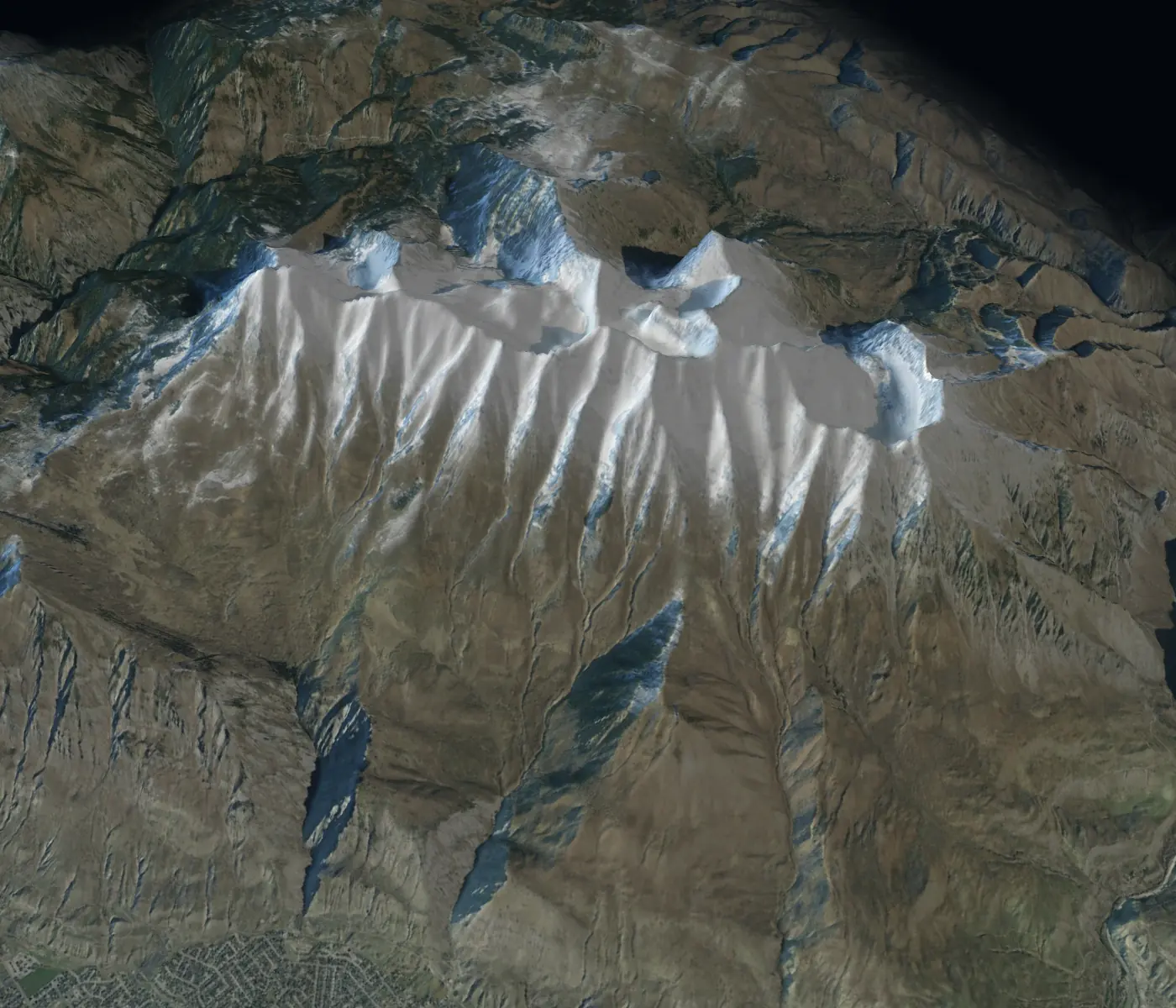
Mount Timpanogos, Utah, seen from above: USGS aerial imagery draped on USGS elevation

Measured

USGS imagery on USGS elevation · Mount Timpanogos · 1.5× vertical

Observed conditions: the imagery and the terrain as captured.

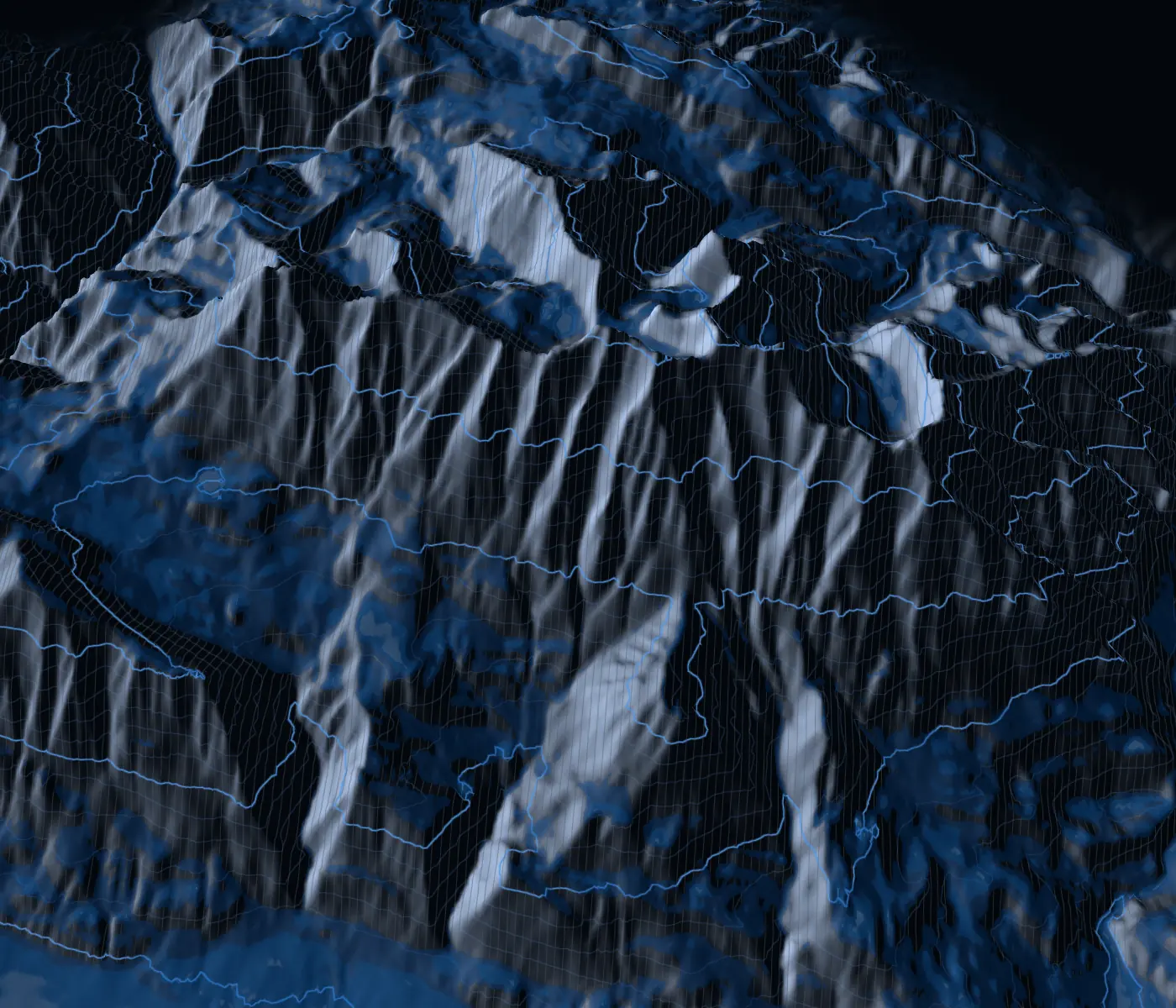
The same view of Mount Timpanogos with contours and slope classes computed from its elevation

Derived

Contours and slope from the same elevation

Analysis computed from measured data, on the same mountain.

Conceptual visualization of a slope analysis over a hillside

Modeled

Conceptual visualization

Scenario quantities tied to stated inputs and versions.

Conceptual visualization of proposed buildings drawn in blue glass on a lit street

Conceptual

Conceptual visualization

Illustrations of possibilities. Never shown as approved projects.

Questions, answered plainly.

Is WorldView the same as NEXUS?

No. NEXUS is the connected spatial information engine. WorldView is the interactive client-facing environment that presents relevant project data, views and outputs.

Can I use WorldView on my phone?

Desktop and supported mobile browser access are design targets. Specific project complexity, browser compatibility and feature availability are verified per release.

Does every WorldView project include VR?

No. VR is conditional on the tested device, project requirements and contracted scope.

Can WorldView replace a survey or an engineering design?

No. WorldView supports information exploration and planning decisions. Certified surveys, professional engineering and required approvals remain the work of appropriately qualified providers.

Does WorldView generate all reports automatically?

Not as a standard feature. Released reports and data are prepared to stay consistent with WorldView, and automated report generation and exports are scoped per project.

Is FORGE a licensed engineering service?

No. FORGE supports preliminary evaluation; certified engineering services require qualified providers.

Are cut-and-fill numbers construction quantities?

No. They are planning-level estimates tied to specified input data and assumptions.

Are VISTA renderings photographs of a built project?

Not when depicting proposed structures. Those views must be labeled CONCEPTUAL or MODELED.

Bring your next project into focus.

Tell us what you are evaluating and what decision comes next.

Whether you are comparing sites, reviewing a property, testing development options or preparing information for stakeholders, tell us the decision ahead and the evidence you have.

Request a WorldView demonstration

Tell us about your project type, the geography involved and the spatial questions you want to explore. We will follow up about a suitable demonstration when available.

Discuss a project

Share the development stage, available information and decision you need to support. We can discuss whether a FutureState intelligence engagement is appropriate.

Partnership inquiries

If you provide complementary technical, geospatial or professional services, tell us about the potential collaboration.

Direct contact details will be published here shortly.